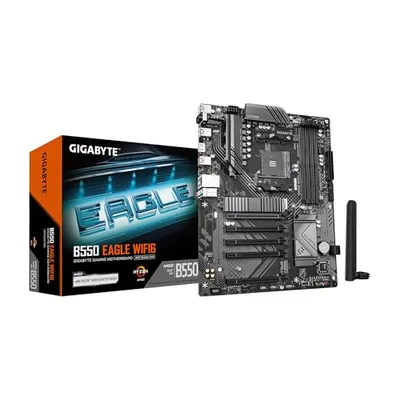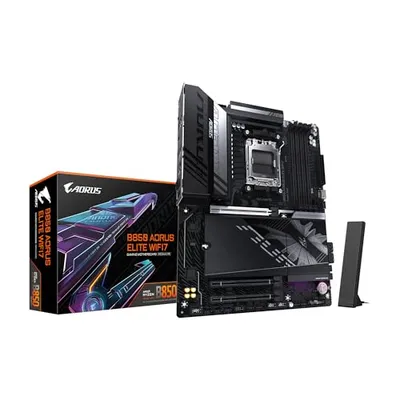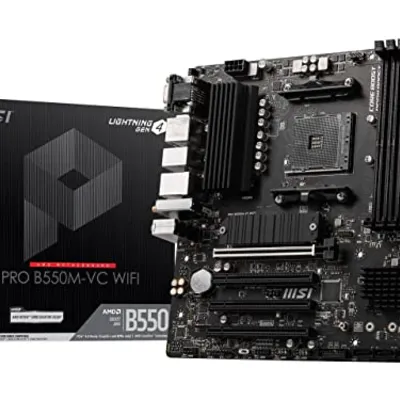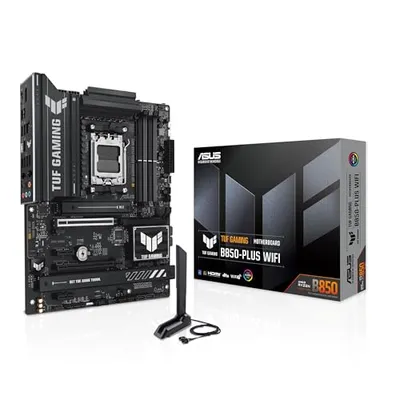
The USB Type-C port, when situated on the rear of a device chassis, denotes a physical interface connector adhering to the USB Type-C specification. This reversible connector standard, defined by the USB Implementers Forum (USB-IF), facilitates a high degree of interoperability across a vast ecosystem of computing and peripheral devices. Its physical dimensions, 2.4 mm in height and 7.7 mm in width, allow for compact device design. The rear positioning typically signifies its role in a system's main connectivity hub, often serving as the primary interface for data transfer, power delivery, and alternate mode protocols originating from the motherboard or primary system logic. Unlike front-panel ports which may prioritize accessibility, rear-mounted ports are generally intended for more permanent or less frequently accessed connections, such as docking stations, external storage arrays, or high-bandwidth peripherals.
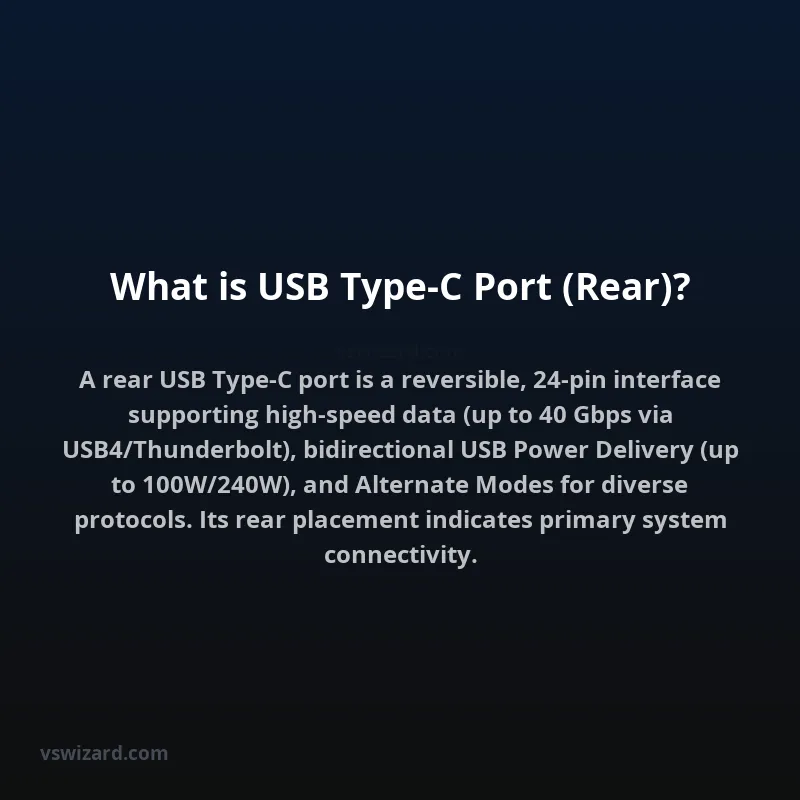
Architecturally, a rear USB Type-C port integrates a complex pinout comprising 24 contacts arranged in two rows of 12, enabling symmetrical and reversible insertion. These contacts support high-speed data transmission protocols, including USB 3.2 (Gen 1x1 at 5 Gbps, Gen 2x1 at 10 Gbps, Gen 2x2 at 20 Gbps), USB4, and Thunderbolt 3/4 (up to 40 Gbps). Critically, it supports USB Power Delivery (USB PD) for bidirectional power negotiation, allowing devices to act as either a power source or a sink, with configurable voltage and current levels up to 20V and 5A, totaling 100W (and potentially higher with Extended Power Range or USB PD 3.1). Furthermore, its capability to multiplex other data protocols via 'Alternate Modes' (e.g., DisplayPort, HDMI, MHL) makes it a versatile interface for audio-visual output, direct display connections, and proprietary protocols, often managed through the CC (Configuration Channel) pins.
Mechanism of Action and Signal Integrity
Physical Connector and Pinout
The USB Type-C connector's physical design is integral to its functionality. Its 24-pin configuration includes differential signal pairs for SuperSpeed USB data (SSTX/SSRX), sideband use channels (SBUA/SBUB), the VBUS (power) and GND (ground) lines, and the crucial Configuration Channel (CC1/CC2) pins. The reversibility is achieved by having identical sets of pins mirrored across the connector's centerline, allowing correct orientation regardless of insertion direction. The CC pins are fundamental for detecting connection, determining orientation, and negotiating power and data roles.
Data Transfer Protocols
Rear USB Type-C ports commonly support a hierarchy of USB data standards. USB 2.0 (480 Mbps) is usually included for backward compatibility via dedicated low-speed pins. Higher speeds are managed through the SuperSpeed differential pairs. USB 3.2 Gen 1x1 operates at 5 Gbps, Gen 2x1 at 10 Gbps, and the more advanced Gen 2x2 utilizes dual-lane operation for up to 20 Gbps over a single port. USB4 and Thunderbolt standards build upon this, often leveraging PCIe and DisplayPort tunneling for extremely high bandwidths up to 40 Gbps, crucial for demanding rear-connectivity applications like high-resolution multi-monitor setups or external GPU enclosures.
Power Delivery and Management
The USB Power Delivery (USB PD) protocol, negotiated over the CC pins, is a cornerstone of Type-C functionality. A rear port supporting USB PD can deliver significant power for charging laptops, monitors, or docking stations. It can also receive power, allowing devices like compact PCs to be powered through a single cable from a monitor. The protocol allows for flexible voltage and current profiles, enabling optimal charging speeds and device operation. USB PD 3.1 introduced Extended Power Range (EPR), enabling up to 240W, further expanding the power delivery capabilities.
Alternate Modes (Alt Modes)
Type-C's flexibility extends to its ability to carry non-USB protocols. Alternate Modes allow the SuperSpeed data lanes and SBU pins to be repurposed. The most common is DisplayPort Alt Mode, enabling direct video output to monitors. HDMI Alt Mode, Thunderbolt Alt Mode (which encapsulates DisplayPort and PCIe), and other vendor-specific modes are also supported. A rear port's inclusion of specific Alt Modes dictates its suitability for tasks like connecting high-resolution displays or high-speed storage without dedicated video or data ports.
Industry Standards and Specifications
USB Type-C Connector Specification
The physical connector itself is standardized by the USB-IF. Compliance with this specification ensures mechanical interoperability and signal integrity requirements are met. Rear ports must adhere to these physical and electrical standards to guarantee correct functioning with certified cables and devices.
USB Data Standards (USB 3.2, USB4)
The speeds and capabilities of data transfer are defined by various USB Implementers Forum specifications. Support for USB 3.2 Gen 2x2 or USB4 at a rear port signifies a high-performance interface capable of handling intensive data workloads. Verification of the specific USB generation supported is crucial for users seeking maximum throughput.
USB Power Delivery (USB PD) Specification
The USB PD specification (e.g., USB PD 3.0, 3.1) governs the power negotiation process. Rear ports designed for high-power applications or charging host devices will explicitly state their USB PD compliance and supported power profiles.
Thunderbolt 3/4 Specifications
For ports supporting Thunderbolt, adherence to Intel's (now widely adopted) Thunderbolt specifications is paramount. This guarantees compatibility with the extensive Thunderbolt peripheral ecosystem and its bundled capabilities, including PCIe tunneling and dual-lane DisplayPort.
Architecture and Implementation
Motherboard Integration
Rear USB Type-C ports on desktop computers and servers are typically directly connected to the motherboard's chipset or a dedicated I/O controller. This ensures high bandwidth and low latency access to the system's PCIe lanes and internal architecture. The quality of trace routing, shielding, and signal conditioning on the motherboard is critical for maintaining signal integrity, especially at higher speeds.
Device-Specific Implementations
In peripherals like external hard drive enclosures or docking stations, the rear USB Type-C port acts as the primary data and power input. The internal circuitry of these devices manages the conversion of USB signals to SATA, NVMe, or other interfaces, and the implementation of USB PD negotiation.
Cable Considerations
The performance of a rear USB Type-C port is critically dependent on the associated cable. 'Passive' cables have limitations on length for high-speed data, while 'active' cables incorporate signal re-drivers or re-timers to extend reach. Cables must also be rated for the specific USB generation, power delivery wattage, and any Alt Modes being utilized (e.g., a USB4 40Gbps cable is required for full Thunderbolt 4 performance).
Performance Metrics and Benchmarking
Throughput (Gbps)
The theoretical maximum data transfer rate is a primary metric. A rear USB Type-C port supporting USB4 or Thunderbolt 4 offers up to 40 Gbps, significantly outperforming older USB standards. Benchmarks typically involve file transfer speeds using high-speed storage devices.
Power Output (Watts)
For ports supporting USB PD, the maximum wattage they can supply is a key performance indicator. This is often denoted as 60W, 100W, or 240W (EPR). Real-world power output can be affected by system power budgets and cable quality.
Latency
For applications requiring near real-time data transfer, such as high-speed networking or direct memory access, the latency introduced by the port and its controller is an important metric. Rear ports connected directly to system I/O controllers generally exhibit lower latency than those routed through hubs or front-panel headers.
Applications
High-Performance Storage
Connecting NVMe SSD enclosures or high-speed RAID arrays to leverage the full bandwidth of modern storage technologies.
Docking Stations and Hubs
As the primary uplink port for docking stations, enabling a single cable connection to a laptop for power, data, video, and networking.
External Displays
Directly connecting high-resolution (4K, 8K) or high-refresh-rate monitors via DisplayPort or HDMI Alternate Modes.
External GPUs (eGPUs)
Utilizing Thunderbolt's PCIe tunneling capability to connect external graphics processing units for enhanced computing performance.
Networking and Peripherals
Connecting high-speed network adapters (e.g., 10GbE) or specialized laboratory equipment.
Pros and Cons
Pros
- Reversibility: Eliminates incorrect insertion.
- High Bandwidth: Supports latest USB, USB4, and Thunderbolt standards (up to 40 Gbps).
- Power Delivery: Capable of high wattage charging and power sourcing.
- Versatility: Supports multiple data and display protocols via Alternate Modes.
- Consolidation: Reduces the need for multiple dedicated port types.
Cons
- Cable Complexity: Requires specific, often more expensive, cables for full performance.
- Compatibility Issues: Ensuring correct USB generation and Alt Mode support can be confusing.
- Signal Integrity Challenges: Maintaining signal integrity at very high speeds requires careful motherboard design and shielding.
- Potential for Confusion: Non-technical users may not understand the full capabilities or requirements of the port.
Alternatives
USB Type-A
The ubiquitous legacy USB standard, offering lower bandwidth (up to USB 3.2 Gen 2x1 at 10 Gbps for Type-A variants) and less power delivery capability. Lacks reversibility and Alt Mode support.
Thunderbolt 3/4 (Type-A variant)
While Type-C is the physical connector for Thunderbolt 3/4, some older Thunderbolt devices used a proprietary Type-A physical connector, limiting it to USB 3.0 speeds. Modern Thunderbolt is exclusively Type-C.
DisplayPort / HDMI
Dedicated ports for video output, offering high bandwidth for displays but lacking data transfer or power delivery capabilities of Type-C.
Ethernet
Dedicated port for wired networking, essential for high-speed internet connectivity, but does not handle data or power in the same manner as USB Type-C.
Conclusion
The rear USB Type-C port represents a sophisticated integration point for modern computing systems, offering unparalleled flexibility through its reversible design, high-speed data capabilities, robust power delivery, and support for diverse alternate data protocols. Its strategic placement on the rear I/O panel underscores its role in delivering maximum performance and connectivity options for demanding applications. The continuous evolution of USB and Thunderbolt standards ensures that the Type-C interface will remain central to device connectivity, driving advancements in data transfer rates, power management, and peripheral integration for the foreseeable future, provided that underlying signal integrity and compliance standards are rigorously maintained.